To take your PEAKS assessment you need to:

1. Use Google Chrome
You need to use Google Chrome in order to take this assessment. (click on the link below to download it)

2. Install and Launch the Extension
Install the extension from the Chrome Web Store and click on it to launch it (it will show on the right of the URL bar)
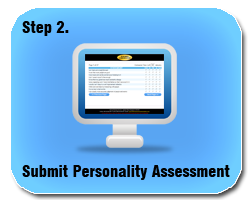
3. Take your assessment
After you execute the extension, it will open your personality profile account. On this page, click on the icon labeled "Step 2" (the one you see above) to take your assessment.